Preparation Guide
Follow these steps to gather your information from the MyRichmond portal.
1
Login to MyRichmond
Access the official City of Richmond portal to view your registered activities and progress.
Open MyRichmond2
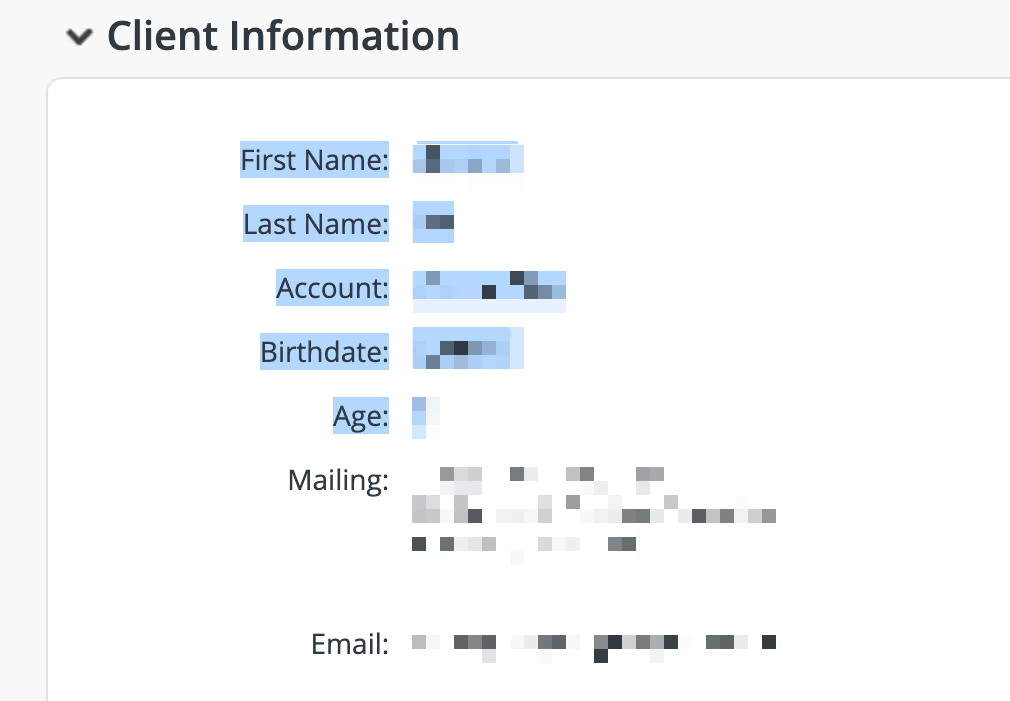
Copy Client Information
Navigate to My Info, find your family member in the Client List. Click the client's name to go to their profile page. In the Client Information section, copy everything from First Name down to Age.
3
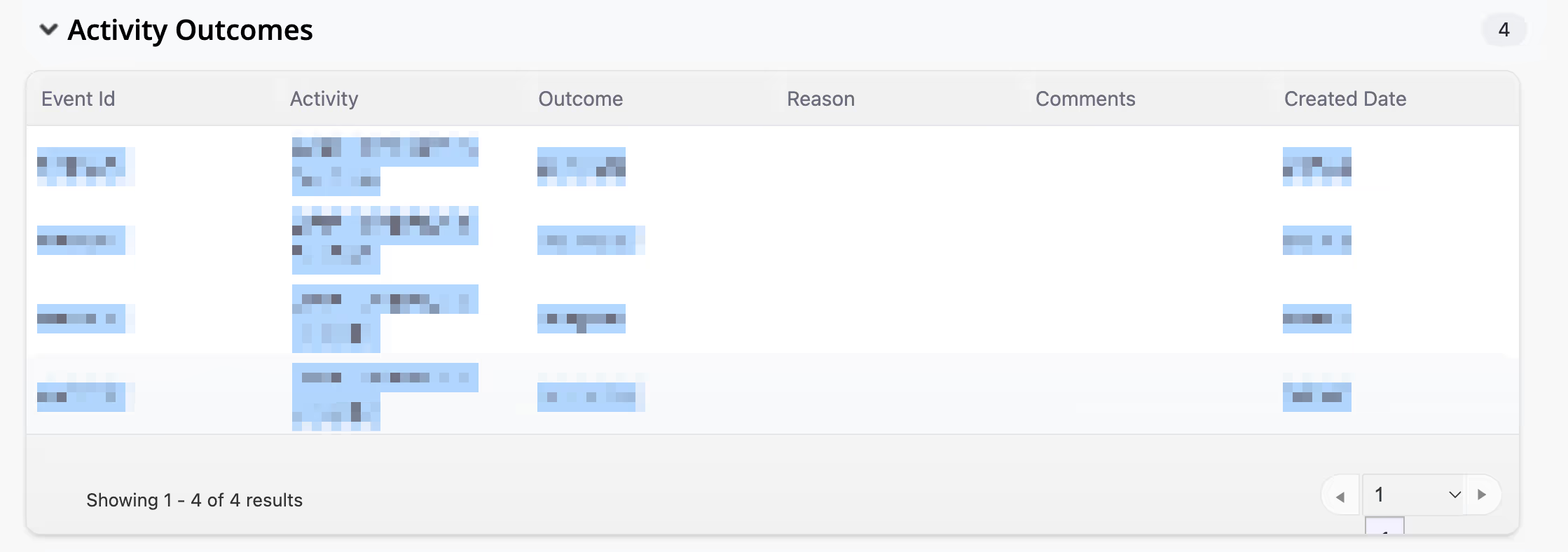
Copy Activity Outcomes
Scroll down to Activity Outcomes, and copy all the content from the outcomes table.
4
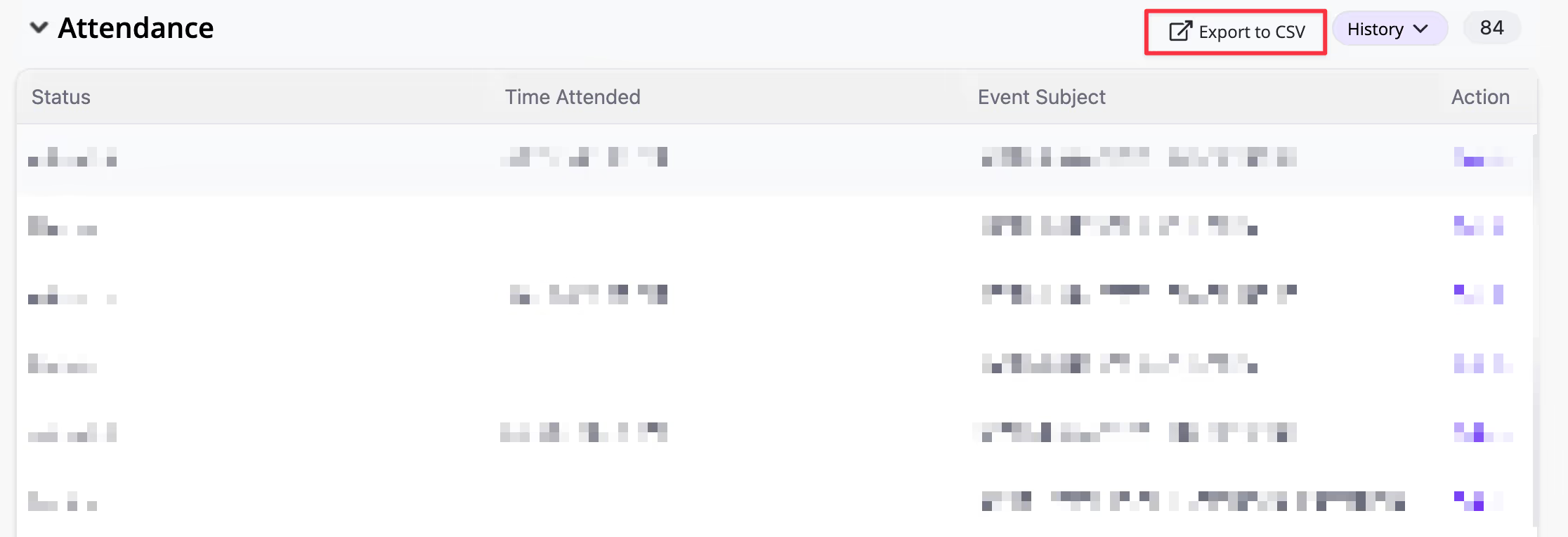
Download Attendance
Scroll down to Attendance, click Export to CSV on the right. Look for a file named something like Attendance-History.csv.